How to connect Grok Bot to Based Training
Review your rides and runs, see what's on your plan, and send an approved workout to a supported device with Based Training Coach in Grok Bot.
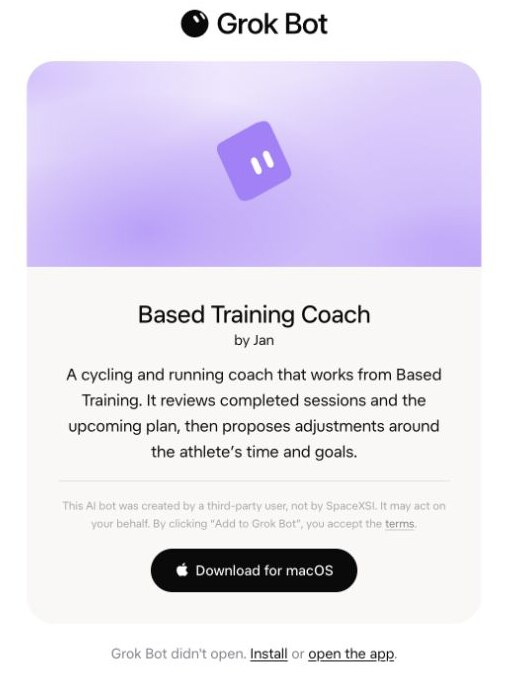
Based Training Coach is a template for the Grok Bot app. Connect it to your Based Training account so it can review your completed rides and runs, see what you have planned, and propose changes. You need access to Grok Bot and an active Based Training account.
Add Based Training Coach
Open the template link and choose Add to Grok Bot. If the page says the app didn’t open, install and sign in to Grok Bot, then return to the link and select open the app. Follow the prompts in the app to add your copy of the coach.
Connect your account
- Open your new coach and ask it to connect Based Training. If it needs the server address, give it
https://basedtraining.io/mcp. - Select Connect on the Based Training card. Sign in to Based Training in your browser and review the permissions. Read access lets the coach see your plan and activities. Sending or changing a workout requires write access.
- Return to Grok Bot and ask “What’s on my plan this week?”

Try a weekly review and send a workout
Ask “Compare my last seven days with what’s planned for next week. I have only 45 minutes on Tuesday. What would you change? Show me the changes before saving them.”
Once you have a scheduled workout you want to do, you can ask the coach to send it to a compatible service you already connected in Based Training. For example, if you use Wahoo and the session is a cycling power workout, ask “Send Tuesday’s ride to Wahoo and tell me when delivery is confirmed.” If it’s still queued, check the status before looking for the workout on your device.
Manage access
To remove access, open Settings → Training assistants in Based Training and disconnect the assistant. For more on what each permission allows, see Training assistant help.